← Back to blog
Motionlab Blog
The Motion Design Storyboard: The Step That Prevents Unpleasant Surprises
Antoine Vallet
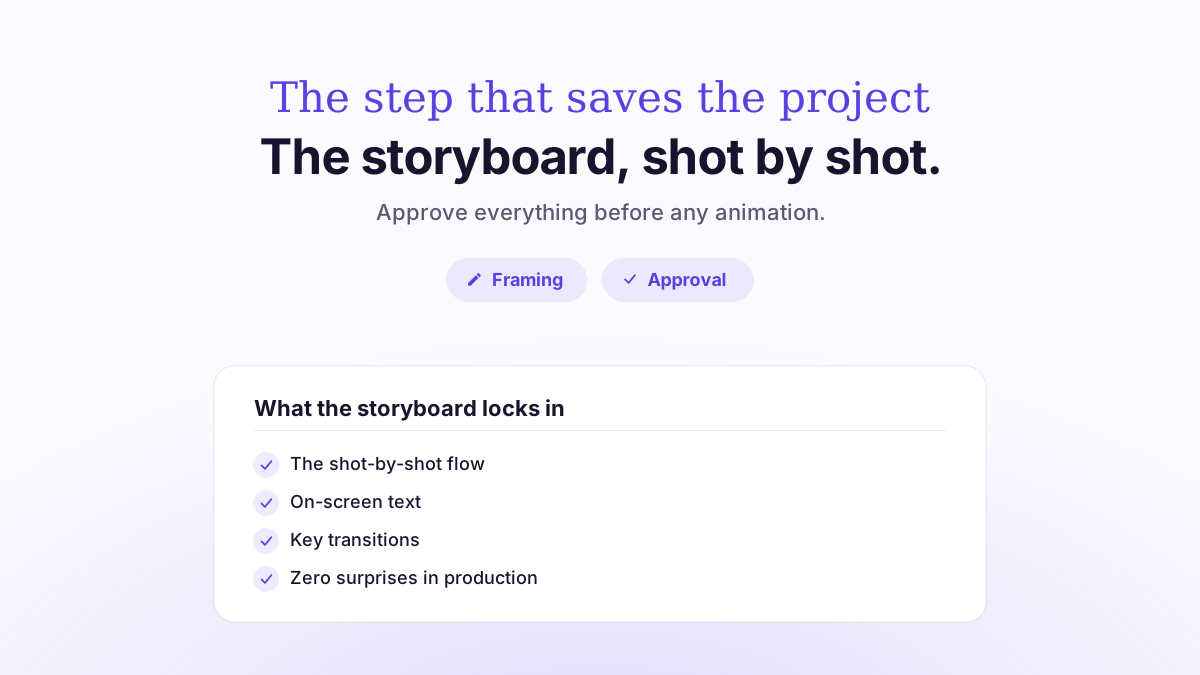
A storyboard is the visual translation of the script into a sequence of drawn panels, shot by shot, before a single second is animated. In practice, it’s the document that shows what each scene of your video will look like: framing, on-screen elements, text, visual intent and transitions. Its role is simple but decisive: it lets you approve the video on paper, when fixes cost a few hours, rather than mid-animation, when every change costs days of work. It’s the step that prevents unpleasant surprises.
In a motion design project, the storyboard comes right after the script and right before animation. It’s the tipping point between idea and image. This article covers what it contains, why it saves time and money, how to approve it properly, and the mistakes to avoid.
What exactly is a storyboard?
A storyboard (often just called the boards) is a set of panels that show the key moments of the video, in order. Each panel corresponds to a shot or a visual idea. Think of it as a comic strip of your film: you read the story frame by frame, before it moves. The storyboard comes straight from the video script, which sets the message and the copy; it’s the drawn version of that script.
Here’s what the storyboard locks into a single document: the visual intent (style, colors, mood), the narrative structure (the order of shots), the approximate timing of each sequence and a description of the planned animation. In other words, it gets everyone aligned on what’s going to be produced, before it’s produced.
Storyboard, script and animatic: don’t mix them up
Three deliverables follow one another in pre-production, and they often get confused. The script is the text: the message, the voiceover, the structure. The storyboard is the drawing: the still visual version of that text. The animatic (sometimes called a story reel) is the in-between step where the storyboard gets its first rhythm: the panels play in sequence on the planned timing, often with a scratch voiceover. The animatic reveals pacing issues that the still storyboard can’t show yet.
Deliverable | Format | What it validates | When |
|---|---|---|---|
Script | Written text | Message, structure, voiceover | Step 1 |
Storyboard | Still panels | Framing, style, content of each shot | Step 2 |
Animatic | Timed panels | Pacing, length, transitions | Step 3 |
Animation | Final video | Rendering, details, sound design | Step 4 |
Why a storyboard prevents unpleasant surprises
The logic is economic before it’s artistic. Changing a drawn panel takes a few minutes; redoing a scene that’s already animated, with its transitions, voiceover sync and sound design, can take a full day. The storyboard moves every structural decision upstream, where the cost of change is lowest. Video production guides all say the same thing: fixing a mistake on paper costs far less than fixing it once production is underway.
Motion design studios and agencies consistently reach the same conclusion: an approved storyboard limits time-consuming back-and-forth between client and provider, smooths out production and keeps the final result visually and narratively consistent. It saves the team time and guarantees a quality render, since a project framed by a storyboard naturally produces fewer surprises and less rework.
In practice, the storyboard does three things. First, it helps align decision-makers: when several people sign off on a project on the client side, it’s better for them to weigh in on drawings than on a nearly finished video. Next, it lets you anticipate technical constraints: an overloaded shot, a data point that can’t be animated cleanly or a badly placed logo are easy to spot at the pencil stage. Finally, it helps protect the budget and the timeline: last-minute changes are one of the top causes of overruns on a video project, and the storyboard neutralizes most of them.
The real cost of a late change
Picture a 60-second explainer video. The client sees the finished animation and realizes the order of the benefits doesn’t match their sales pitch. Without an approved storyboard, several scenes have to be reanimated, the voiceover shifted, and the music and sound design readjusted. With a storyboard approved upfront, that same call would have taken a five-minute discussion over a board. That’s exactly the difference between a project under control and one that goes off the rails. To see how this fits into the overall schedule, check out our article on video production timelines.
What a good storyboard contains
A usable storyboard is more than a few scribbles. For each shot, it usually specifies:
The visual: what appears on screen, even as a rough sketch (characters, interface, icons, text).
The framing: wide shot, zoom, virtual camera movement.
On-screen text: titles, figures and highlighted keywords.
The matching voiceover: the script line tied to that shot.
Animation notes: what moves, enters, exits or transforms.
Approximate timing: the rough duration of the shot.
The level of finish depends on the style. A 2D video can work with a schematic storyboard, while a more stylized project calls for more polished panels, close to a style frame (a graphic reference image). This choice also depends on whether you go with 2D or 3D, since 3D generally requires more extensive preparation.
How to approve a storyboard properly
A storyboard is only as valuable as the review it gets. A storyboard that’s skimmed and approved “just to move forward” simply pushes the problems back to the animation stage. Here’s how to review it effectively.
Read it in the viewer’s order
Read the panels in sequence, the way your audience will watch the video, without skipping any shots. Check that the story holds up: is the problem set up before the solution? Does the main benefit stand out? Is a shot missing that’s needed to understand the next one?
Check what’s expensive to change later
Focus your attention on the order of the scenes, the key messages, the numbers on screen and whether every mandatory element is there (logo, legal notices, product). These are the elements that, if poorly reviewed, trigger the heaviest rework during animation.
Separate substance from style
A storyboard is first and foremost a tool for approving structure and content, not the final pixel. Don’t hold up approval over a color shade that will be refined anyway: focus your feedback on what’s structural. This rigorous review builds on the quality of the brief you gave the agency: the clearer the brief, the more likely the storyboard lands right the first time.
Common storyboard mistakes
Skipping it to “go faster.” This is the costliest mistake: you save a few days in pre-production only to lose twice as many on animation rework.
Approving it without the decision-makers. If the person who has the final say only sees the project at the end, all the back-and-forth you avoided comes back at once.
Confusing the storyboard with the final video. Expecting a final render from a working sketch generates off-topic feedback and slows the project down.
Cramming too much information into each shot. An overloaded storyboard signals an unreadable animation: better to catch it now.
Not tying the storyboard to the target length. Too many shots for the intended length, and the pacing becomes impossible to hold. Video length needs to be planned from the storyboard stage.
How we do it at Motionlab
At Motionlab, a motion design agency based in Paris, the storyboard is included in every project, along with the script, voiceover, licensed music and sound design. It’s not an add-on billed separately: it’s a standard step in our process, precisely because it’s what protects the timeline and the budget.
We deliver in 10 days and offer unlimited revisions: the storyboard is the ideal moment to focus your feedback, while adjustments are still inexpensive. Our videos are handcrafted by qualified French motion designers, nothing is AI-generated, and every project is delivered in 16:9, 1:1 and 9:16 formats. That standard has earned us a 4.9/5 rating from 44 reviews across more than 65 SaaS, startup and agency clients. On budget, our videos range from €1,500 to €8,000 excl. VAT depending on length and style; the details are in our article on the price of a motion design video.
FAQ
Is a storyboard really essential?
For any professional project, yes. It moves structural decisions to a point where fixing them costs a few minutes rather than several days. It’s the project’s insurance policy against unpleasant surprises.
What’s the difference between a storyboard and an animatic?
A storyboard is a sequence of still panels. An animatic is that same storyboard set in motion at the right timing, often with a scratch voiceover, to validate the pacing before final animation.
How long does it take to create a storyboard?
It’s a short step compared with animation, but an essential one. It fits into the project’s overall schedule, detailed in our article on production timelines. At Motionlab, the whole project is delivered in 10 days.
Can I still make changes after approving the storyboard?
Yes, but every structural change requested after approval costs more than the same feedback given at the storyboard stage. That’s why the important decisions should be made at this step.
Is the storyboard billed separately?
At Motionlab, no: it’s included in every project, along with the script, voiceover, music and sound design. Overall pricing starts at €1,500 excl. VAT for 2D.
Do you need a storyboard for a social media video?
Yes, all the more so because vertical and square formats require specific framing. The storyboard lets you check that each shot works in the target format.
Take the next step
Planning a video and want to avoid costly back-and-forth? Let’s talk about your project: script, storyboard and animation included, 10-day delivery and unlimited revisions. Book a free discovery call with Motionlab to shape your film right from the storyboard stage.
Got a video project to figure out?
Let’s talk about your next video and find the right angle.
Talk about my project